
How to Navigate with the Karoo Hammerhead Computer
Before your ride, we will show you how to bring up the route in the Karoo Hammerhead 3 .
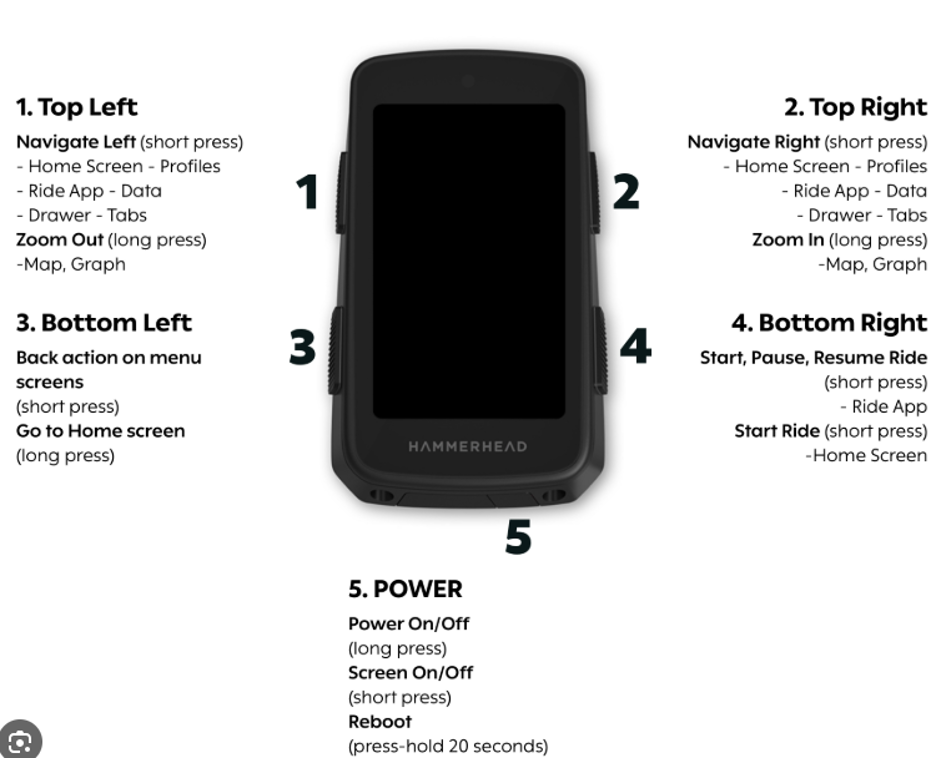
1. Turn on: long press “5”
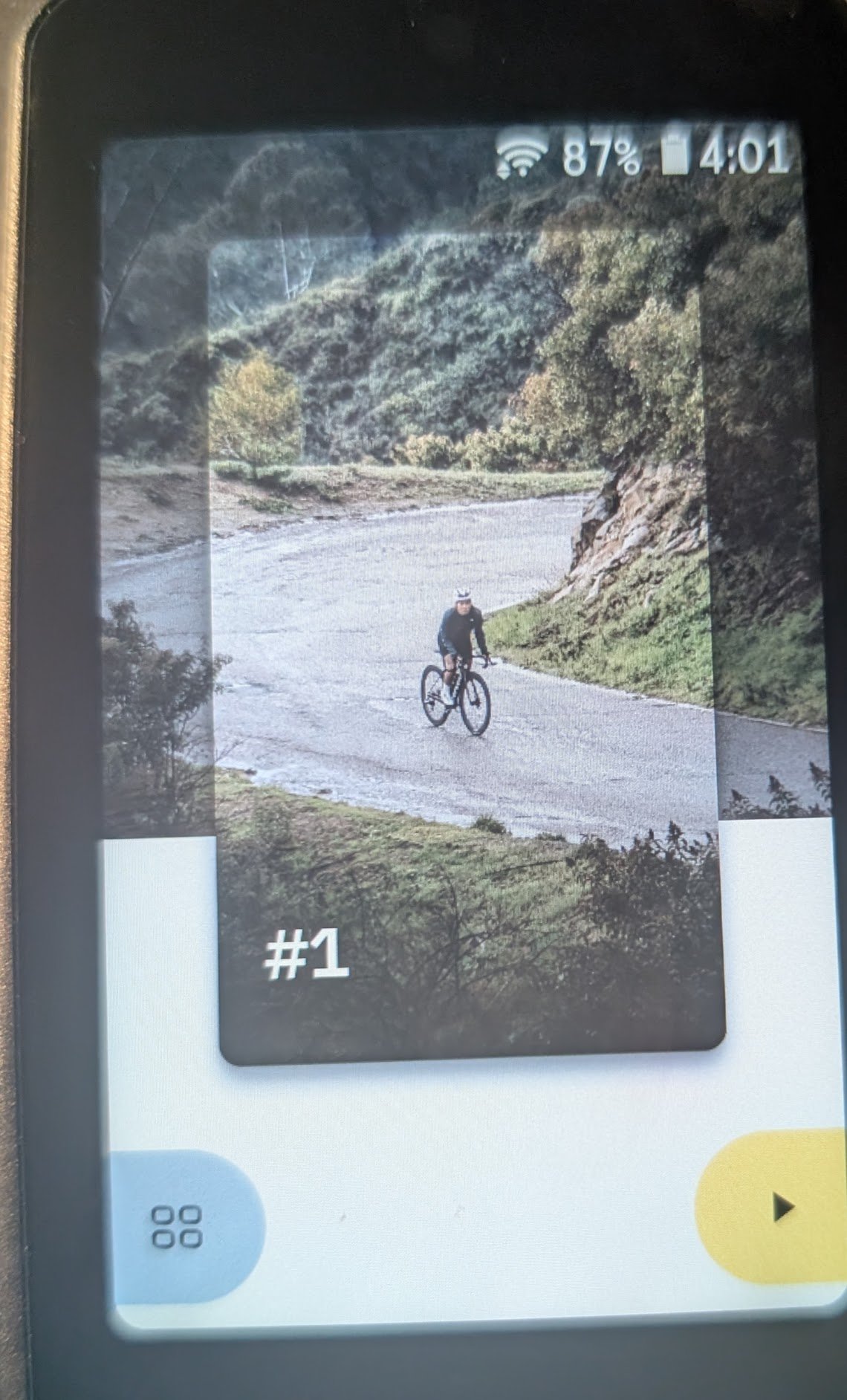
2. Go to menu: press “3”
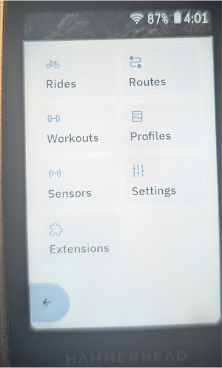
3. Touch routes
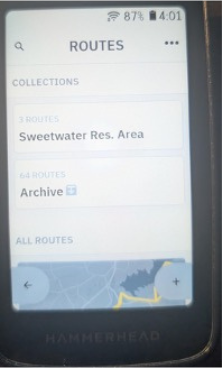
4. Touch “Sweetwater Res Area”
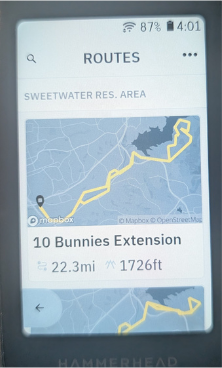
5. Touch your selected route
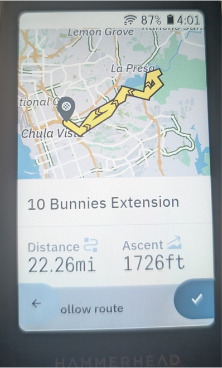
6. Select route: Press “4”
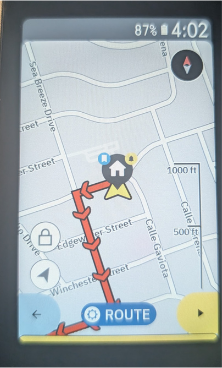
7. Swipe left or right to see map
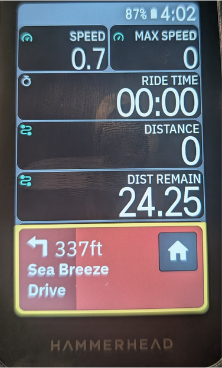
8. To start ride: press “4”
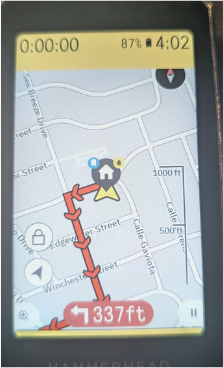
9. To pause ride: press “4”
10. To change route: touch “route”
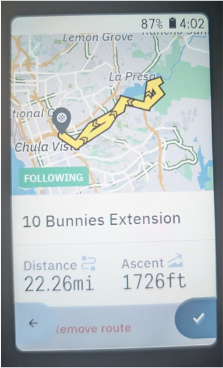
11. To remove route: touch “remove route”